In the current build
More than a concept.
These product pages describe functionality implemented in the app repositories today—not a speculative feature list.
01
A full interactive terminal
Run real SSH PTY sessions with ANSI colour, searchable scrollback, plain-text export, configurable fonts, a command palette, and touch-friendly accessory keys. Themes cover the full app and terminal, including TurtleShell, System / Classic, Dracula, One Dark, Nord, Solarized, Gruvbox, and Catppuccin Mocha.
02
Hosts and keys, handled carefully
Organize hosts with search, favourites, groups, tags, and recents; import OpenSSH config entries; generate or import reusable ed25519 and RSA keys; and protect credentials in the device Keychain.
03
tmux and multiple live sessions
Keep terminal tabs alive, work in a two-session split on iPad or Mac, attach to named tmux sessions, and create, rename, or stop tmux sessions without memorising every command.
04
Files and rich input over SFTP
Browse, upload, download, edit, queue, and cancel transfers. Send files, photos, camera captures, or clipboard items, and extract image text locally with Apple Vision before inserting it.
05
Repeatable work without unsafe shortcuts
Build searchable command snippets with folders, tags, variables, host scope, confirmations, and run-on-connect rules. Dictate input or trigger an exact saved snippet by voice.
06
Tools for real networks and long jobs
Connect through ProxyJump bastions, use hosts over Tailscale, run multiple foreground local port forwards, and opt into local terminal alerts. Invitation-only beta builds can separately enable minimized reliable notifications for explicit hosts and reviewed Run & Notify commands.
Product principles
The architecture is part of the product.
01
Direct by default
SSH, SFTP, tmux, and tunnel traffic goes from your device to the systems you choose—not through a publisher-operated relay.
02
Secrets stay device-local
Passwords, private keys, passphrases, and trusted host fingerprints use device-only Keychain storage and are excluded from TurtleShell's iCloud metadata sync.
03
Mobile-first, not desktop-shrunk
Tabs, splits, local compose, an accessory bar, tmux recovery, and focused sheets are designed around intermittent mobile work and touch input.
Inside the app
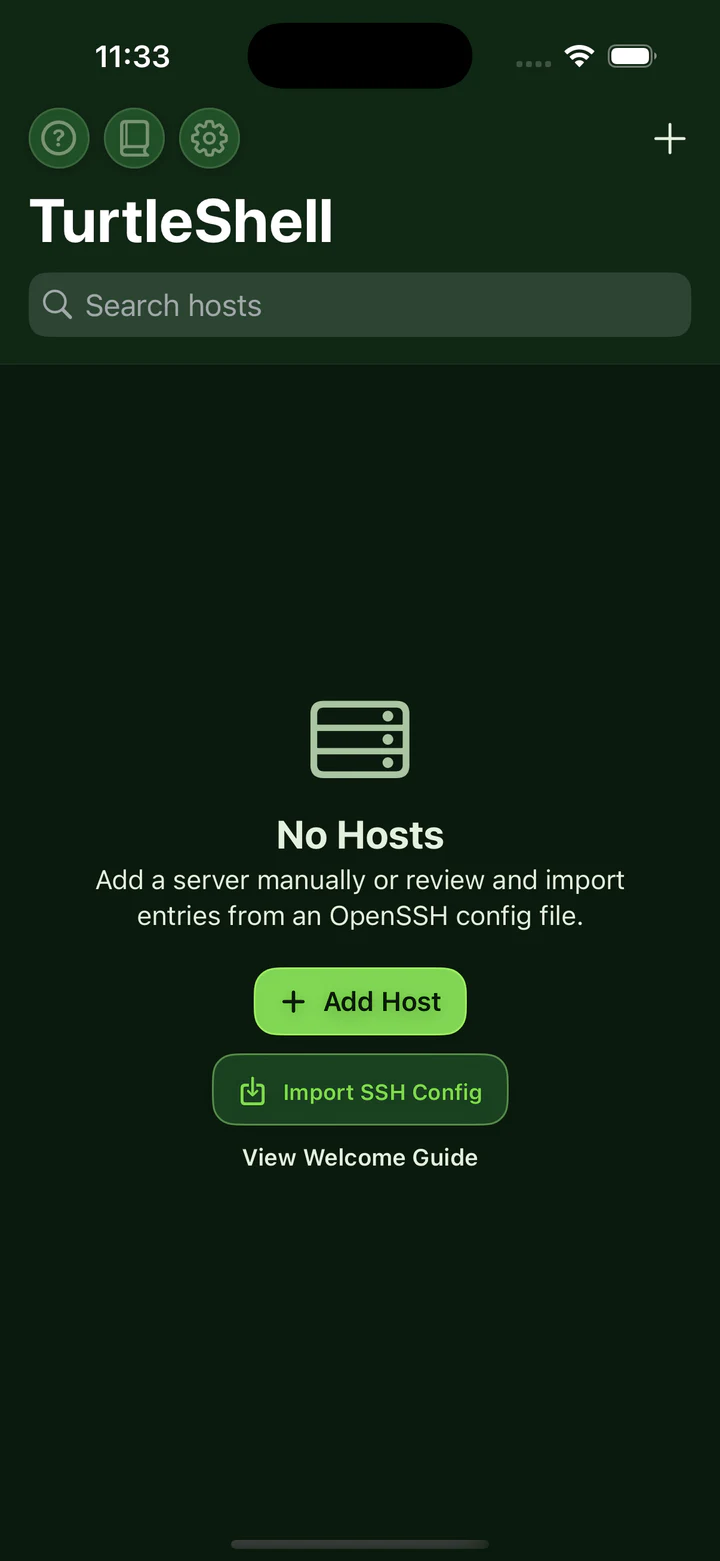
Real screens from the current build.
The interface will continue to be refined before release, but the visuals below come directly from the working app.


Privacy at a glance
Clear data boundaries, documented in full.
The complete policy below reflects the app repository's current implementation and is available at a stable, direct URL.
No TurtleShell account, ads, tracking, analytics SDK, or third-party crash-reporting SDK.
Credentials and private keys are stored with device-only Keychain protection.
Normal SSH, SFTP, tmux, and tunnel traffic goes directly to systems you choose; the optional invitation-only notification relay is separately disclosed.
On-device OCR stays local; optional Apple Speech, Whisper downloads, iCloud metadata sync, and reliable notifications are documented in the full policy.
Product information