In the current build
More than a concept.
These product pages describe functionality implemented in the app repositories today—not a speculative feature list.
01
Projects keep contexts separate
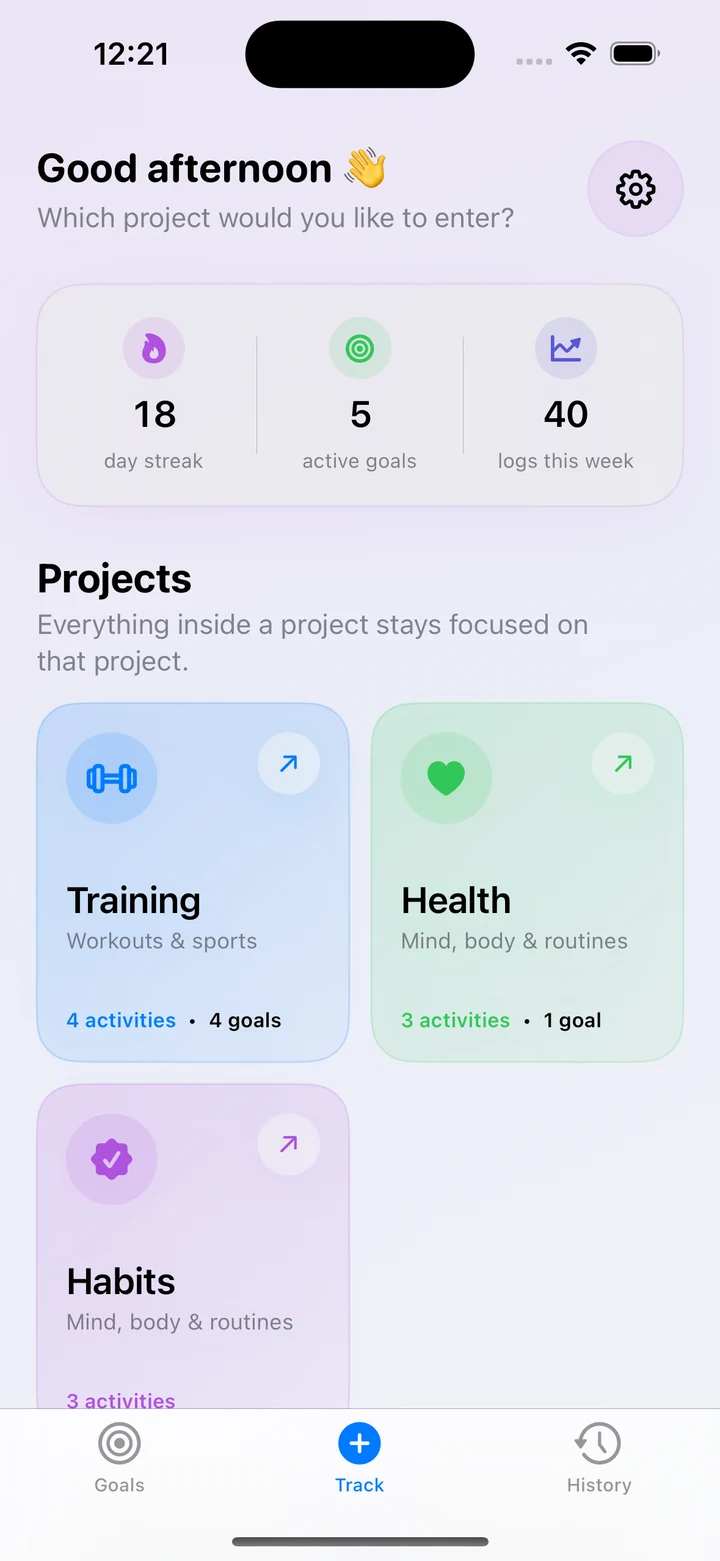
Put training, health, habits, work, golf, shopping, or anything else in its own colour-coded project with independent activities, goals, history, and stats.
02
Build the activity you actually need
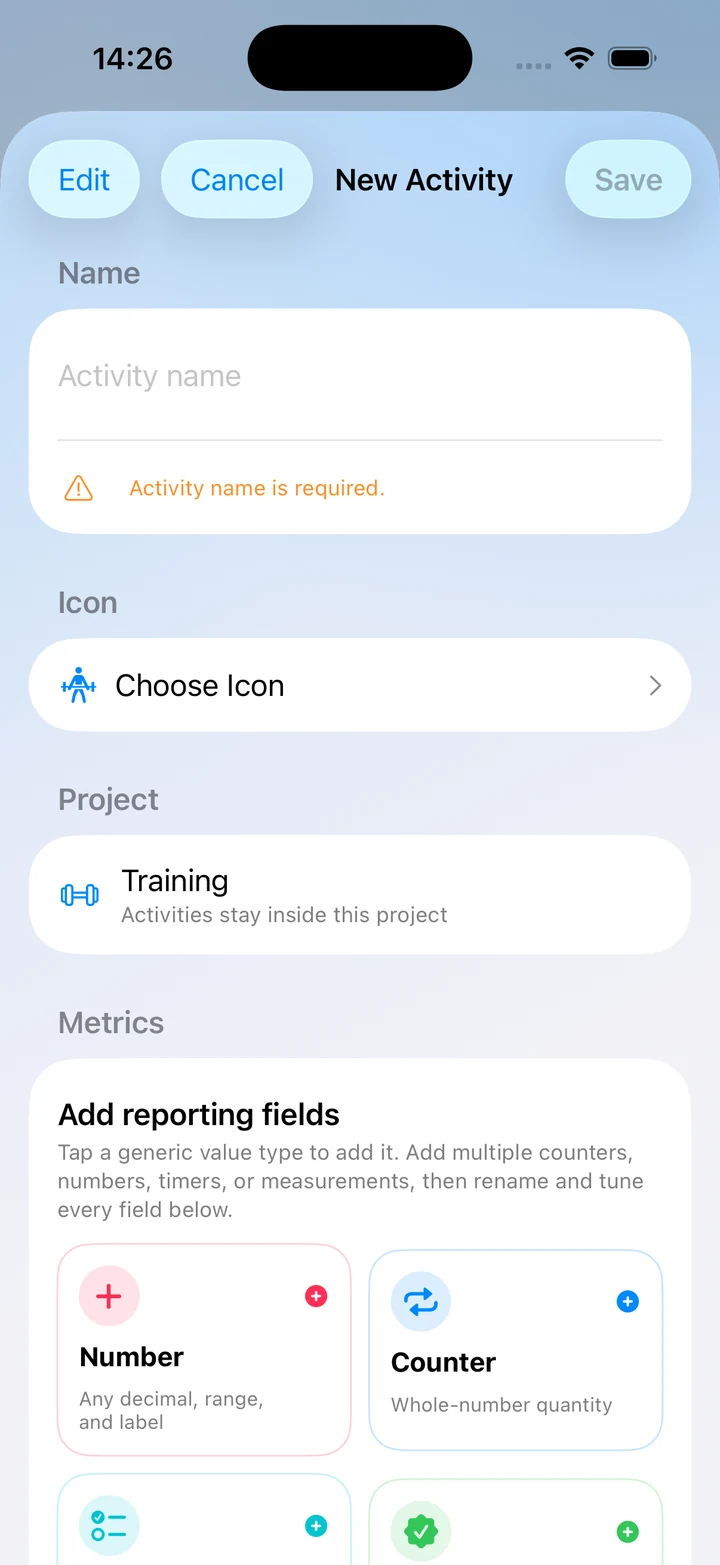
Combine numbers, counters, durations, measurements, percentages, ratings, yes/no outcomes, one-tap completions, and reusable checklists—then rename and tune every field.
03
Quick Log from the app or Lock Screen
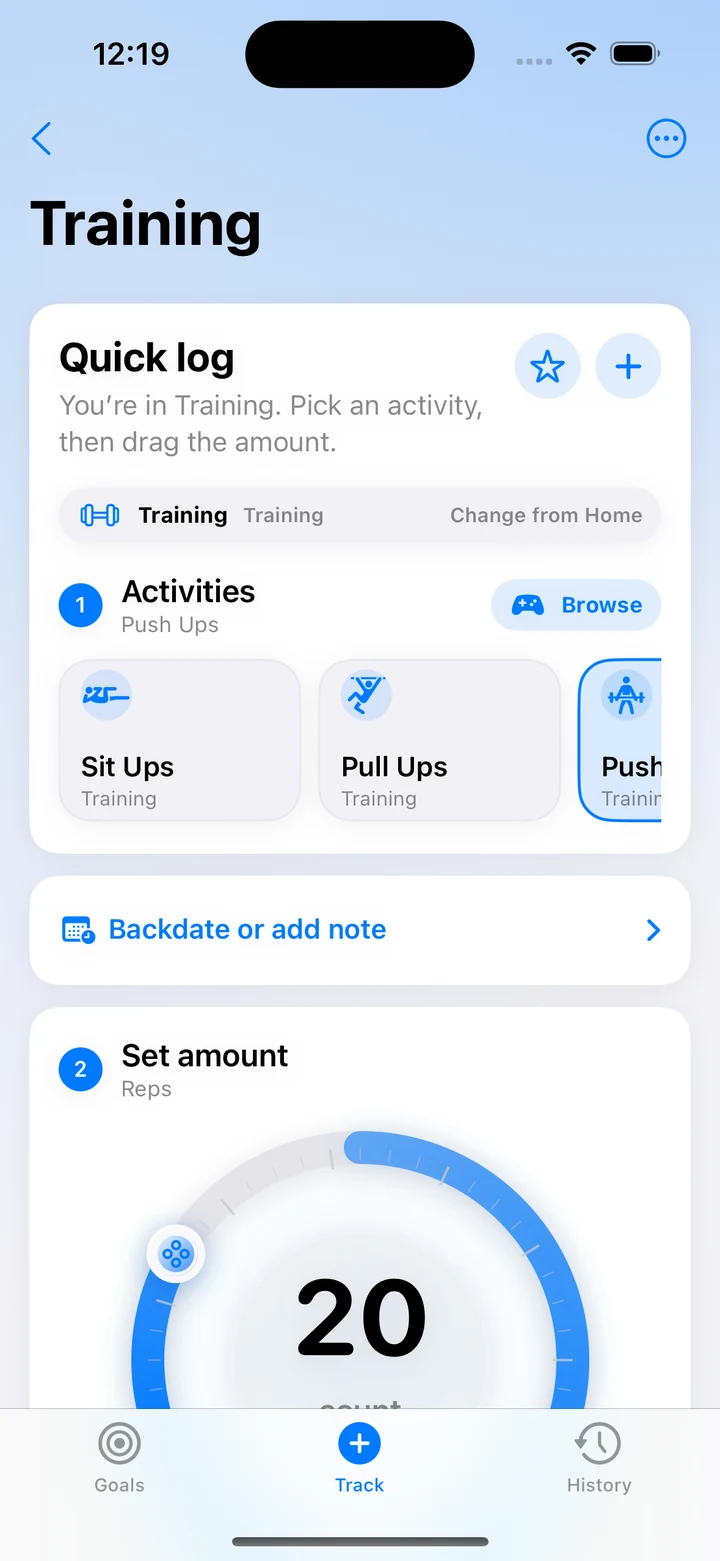
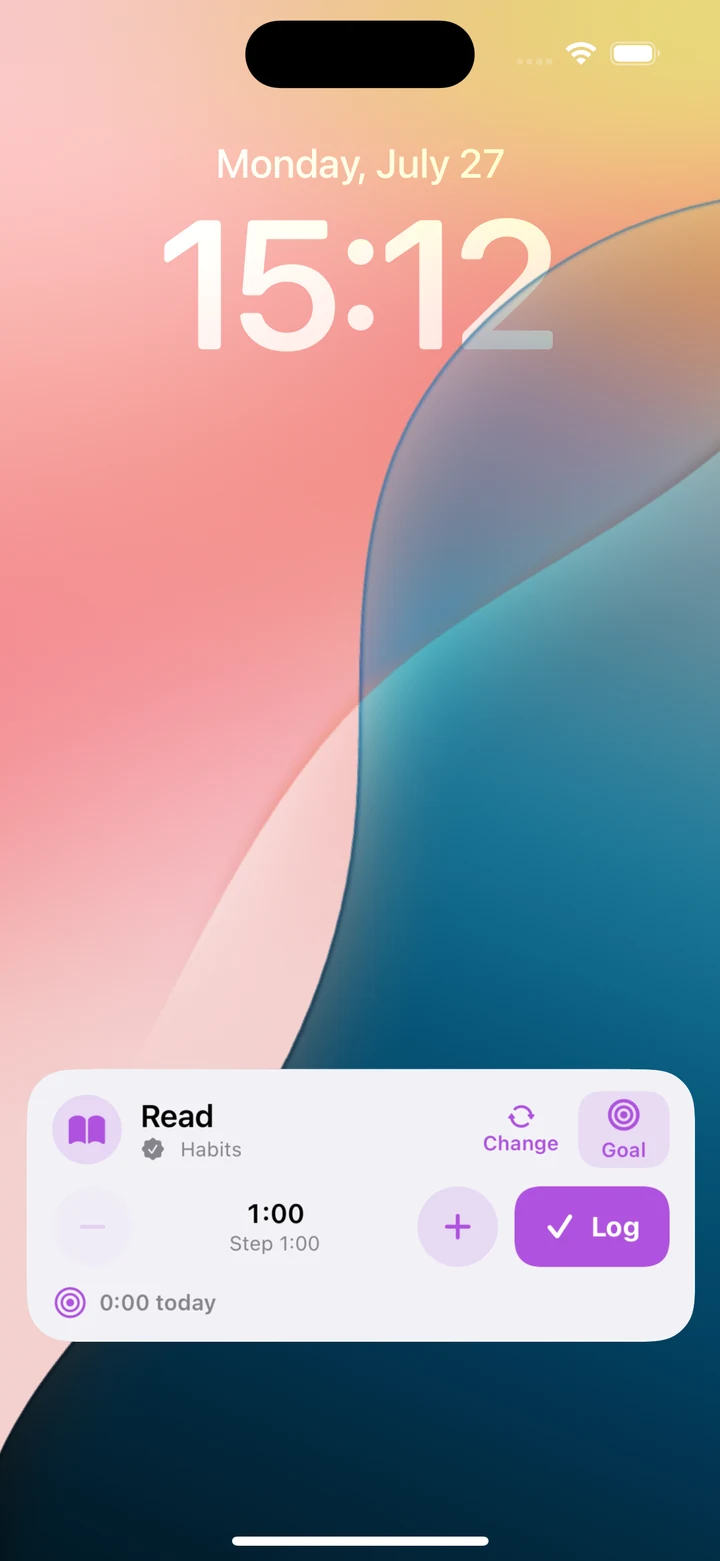
Choose a project, activity, and goal; adjust the amount; log; and safely undo. An interactive Live Activity brings the same focused controls to the Lock Screen and Dynamic Island.
04
Goals that fit the metric
Set daily, weekly, or monthly targets and limits, pause goals when life intervenes, follow progress and streaks, and jump straight from a goal overview into the right project.
05
History and useful statistics
Edit or backdate entries, attach notes, links, and rating images, then explore charts, averages, frequency, same-unit totals, multi-project comparisons, and a 20-week consistency heatmap.
06
Private sync and portable backups
Records stay on-device or sync through your private CloudKit database when iCloud is available. Export and import a complete JSON backup whenever you want your own copy.
Product principles
The architecture is part of the product.
01
Flexible instead of prescriptive
Tally provides reusable field types rather than deciding which parts of your life deserve a dedicated hard-coded tracker.
02
Fast at the moment of logging
Quick Log, controls, widgets, undo, defaults, and recent selections reduce the ceremony between doing something and recording it.
03
Your records stay yours
There is no Tally login, advertising profile, analytics SDK, or Walldoff Studios data server. Optional sync uses your private Apple CloudKit database.
Inside the app
Real screens from the current build.
The interface will continue to be refined before release, but the visuals below come directly from the working app.
Privacy at a glance
Clear data boundaries, documented in full.
The complete policy below reflects the app repository's current implementation and is available at a stable, direct URL.
No Tally account, advertising, cross-app tracking, analytics SDK, or publisher-operated data server.
Records live on your device and can sync through your private Apple CloudKit database.
Photo selection, reminders, widgets, Siri, and sharing are used only when you choose the related feature.
JSON backups are shared only with the destination you select and are not sent to Walldoff Studios.
Product information